PHP 8.x Compatibility and Security: Updates and Upgrade Checklist
Understand PHP 8.x compatibility, October 2026 security updates, supported versions, and a prac...
5 min read
Read Article →
Master 100+ essential hotkeys, screenshot commands, AI prompt tricks, and gestures across all operating systems and applications.
Choose the operating system you are using before copying a shortcut. A plus sign means hold the keys together; release them after the command runs. Windows uses Ctrl and the Windows key for many commands, while Mac and iPad often use Command. An app can assign a different action to the same combination.
For a practical starting point, follow the Windows screenshot workflow, try the browser research exercise, or learn how iPad keyboard screenshots differ from Mac. Each guide includes context and troubleshooting so you can understand the result.
Try one command in a sample document before using it on important work. If it fails, check keyboard focus, your app version, and custom key mappings. Read about our content and corrections to report a specific error.
Supercharge AI productivity in ChatGPT (chatgpt.com) and Google Gemini (gemini.google.com) with native hotkeys.
Master Snipping Tool, Clipboard History, Window Snapping, and system navigation on Windows PCs.
Master Command (⌘), Option (⌥), and Control keys for macOS Sequoia & Sonoma.
Speed up spreadsheet modeling, formula editing, and range formatting.
Refactor source code, manipulate multi-cursors, and toggle integrated terminal.
Speed up web navigation, tab restoration, address bar focus, and Developer Tools.
Master iOS 18 hardware button combinations, screenshot shortcuts, and accessibility gestures.
Master Android 15 hardware button combos, 3-finger swipes, and Circle to Search.
Essential hotkeys for Ubuntu 24.04 LTS, GNOME 46, and terminal power users — supercharge your Linux workflow.
| Action | Windows 10/11 | macOS (Mac) | Linux (GNOME) |
|---|---|---|---|
| Primary Action Key | Ctrl | Command (⌘) | Ctrl |
| System / Launcher Key | Win Key | ⌘ + Space (Spotlight) | Super Key |
| Region Screenshot | Win + Shift + S | ⌘ + Shift + 4 | Shift + PrtScn |
| Open Task Manager / Terminal | Ctrl + Shift + Esc | Opt + ⌘ + Esc | Ctrl + Alt + T |
Learn how to request a research report and check its sources before relying on the results.
Instant AI document analysis, PDF reading, keyboard shortcut finders, and SEO audit tools. No login required.
Test physical keys, check for ghosting, hear mechanical clicks, and instantly see all matching shortcuts for every key pressed.
Build muscle memory, test reaction time, and master Windows, Mac, VS Code, and AI shortcuts with real-time feedback.
In-depth technical analysis, certification roadmaps, and power-user workflows for developers, students, and freelancers.
Join discussions, vote on top developer tricks, or ask questions in our Community Hub.
Press Windows Key + Shift + S. Your screen dims and Snipping Tool opens at the top. Drag your mouse over the screen region you want to capture. The image is saved to your clipboard automatically.
Press Command (⌘) + Shift + 3. The full screen capture image is saved as a .png file directly on your Desktop.
In ChatGPT, press Ctrl + Shift + O (or ⌘ + Shift + O) to open a new chat. In Google Gemini, type @ in the prompt box to pull in data from Gmail, Drive, YouTube, or Google Maps.
Press Ctrl + Shift + T (or ⌘ + Shift + T on Mac) in Chrome, Edge, Safari, or Firefox to restore your last closed tab instantly.
ChatGPT Deep Research is an autonomous AI research agent that independently browses 20–100+ websites, PDFs, and academic papers, synthesizes information across all sources, and delivers a comprehensive cited report. Unlike regular ChatGPT which answers in seconds from 1–2 sources, Deep Research takes 5–30 minutes and is powered by OpenAI's advanced o3 reasoning model. It's available on ChatGPT Plus ($20/mo), Team, Pro, and Enterprise plans.
On Android 14 and Android 15 devices (Pixel, Samsung Galaxy, and select other brands), long-press the home bar at the bottom of the screen. A glowing border appears around the display — then draw a circle, highlight, or scribble around any image, text, or object on the screen to search it instantly with Google.
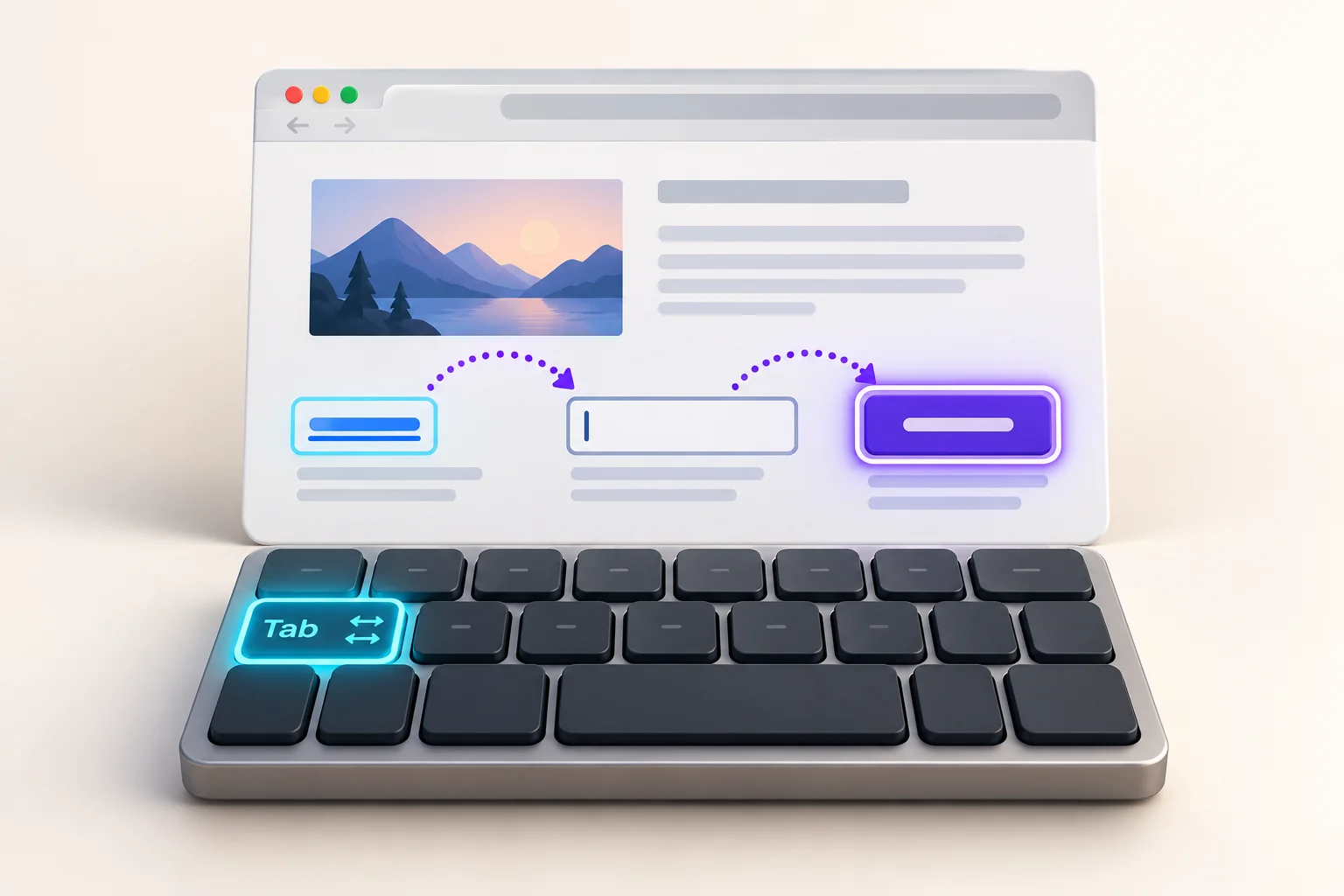
The most essential Linux terminal shortcuts are: Ctrl + C (stop running process), Ctrl + L (clear terminal screen), Ctrl + A (move cursor to start of line), Ctrl + E (move cursor to end of line), Ctrl + R (reverse search command history), Tab (autocomplete commands and file paths), and Ctrl + Alt + T (open a new terminal window in Ubuntu/GNOME).
Press Ctrl + Win + Left/Right Arrow to instantly switch between virtual desktops (Task View workspaces) on Windows 11. To create a new desktop press Ctrl + Win + D, and to close the current desktop press Ctrl + Win + F4. On Mac, use Ctrl + Left/Right Arrow to switch between Spaces.
In VS Code with GitHub Copilot installed: press Tab to accept an AI suggestion inline, Esc to dismiss it, Alt + ] to see the next suggestion, Ctrl + Enter to open the Copilot suggestions panel with multiple options, and Ctrl + Shift + I to open the Copilot Chat sidebar for conversational AI coding assistance.