Latest Article
🔥 TOP LATEST BLOG Developer
PHP 8.x Compatibility and Security: Updates and Upgrade Checklist
Understand PHP 8.x compatibility, October 2026 security updates, supported versions, and a practical checklist for testing and upgrading your website.
More Featured Guides
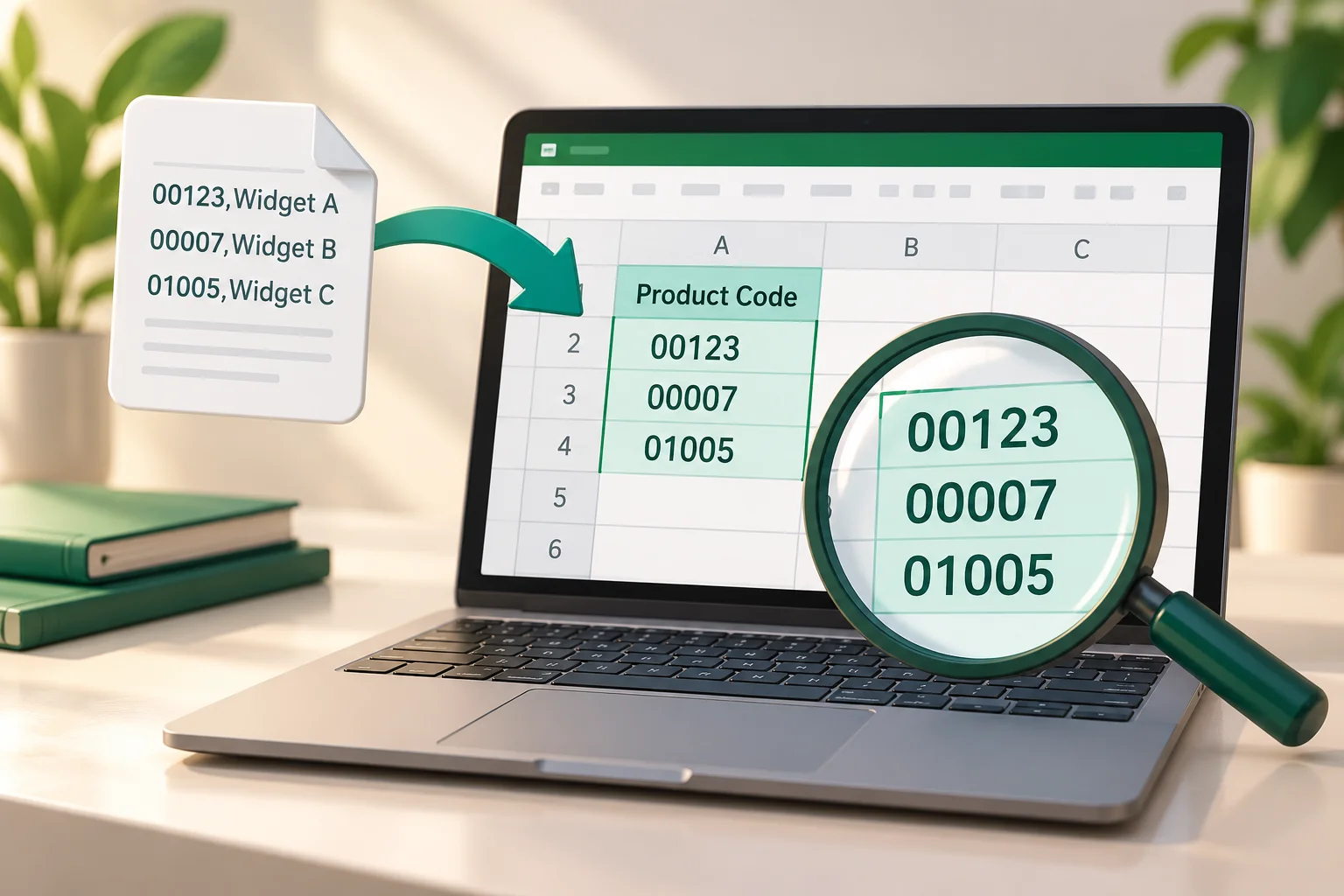
Import CSV into Excel Without Losing Leading Zeros
Use a small CSV sample to preserve product codes, inspect delimiters, and check imported values before building formulas or reports.
Read More →
Browse Without a Mouse: Keyboard Focus, Links, and Forms
Learn to follow keyboard focus, move through links and form fields, and recover when a browser shortcut appears to do nothing.
Read More →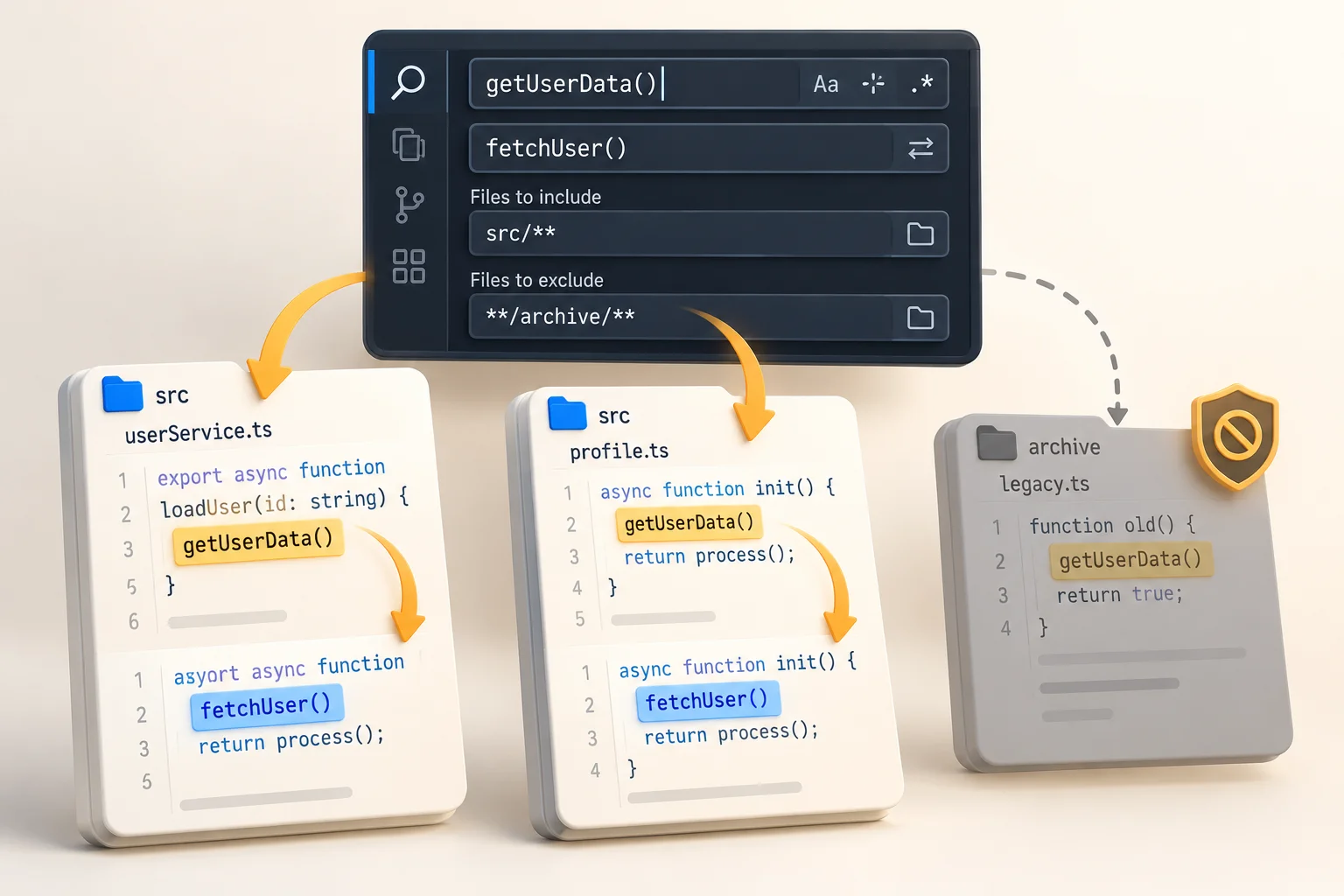
VS Code Find and Replace Across Files: A Safe Practice Exercise
Practice workspace search on a tiny project, preview replacements, and check that only the intended files changed.
Read More →All Articles & Guides
PHP 8.x Compatibility and Security: Updates and Upgrade Checklist
Understand PHP 8.x compatibility, October 2026 security updates, supported versions, and a practical checklist f...
Read More →
Import CSV into Excel Without Losing Leading Zeros
Use a small CSV sample to preserve product codes, inspect delimiters, and check imported values before building ...
Read More →
Browse Without a Mouse: Keyboard Focus, Links, and Forms
Learn to follow keyboard focus, move through links and form fields, and recover when a browser shortcut appears ...
Read More →
VS Code Find and Replace Across Files: A Safe Practice Exercise
Practice workspace search on a tiny project, preview replacements, and check that only the intended files changed.
Read More →
Recover a Lost Browser Page: Tabs, History, Downloads, and Bookmarks
Choose the right recovery method when a tab disappears, a downloaded file goes missing, or you need to save a us...
Read More →
Build and Test Your First Apple Shortcut
Start with a simple manual shortcut before adding an automation trigger.
Read More →
Android Gesture Navigation: Learn the Mode Your Phone Uses
Check navigation settings and practice on sample screens before changing developer options.
Read More →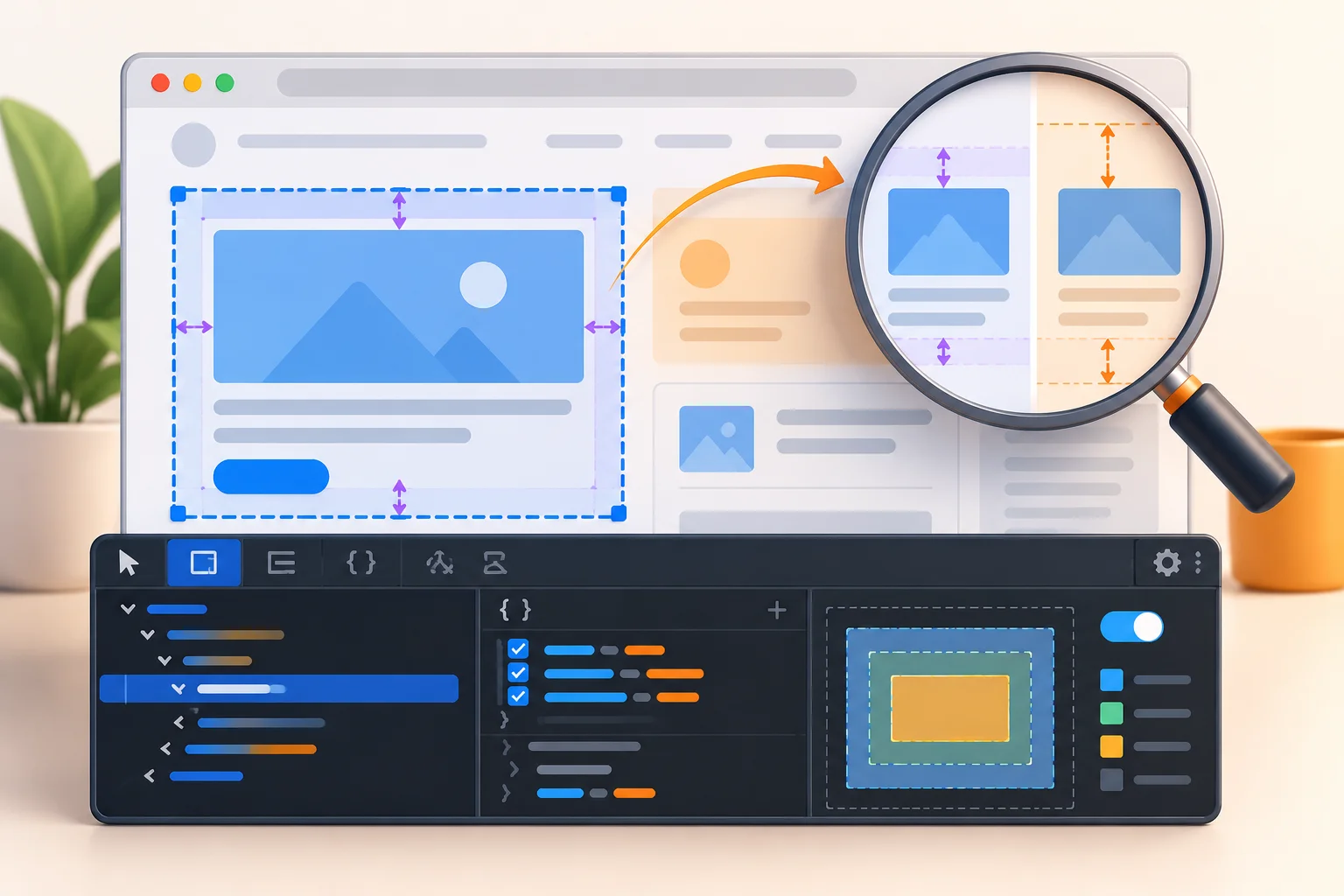
Chrome DevTools: Inspect a Layout Change and Save the Real Fix
Use the browser to investigate a problem while keeping temporary edits separate from source changes.
Read More →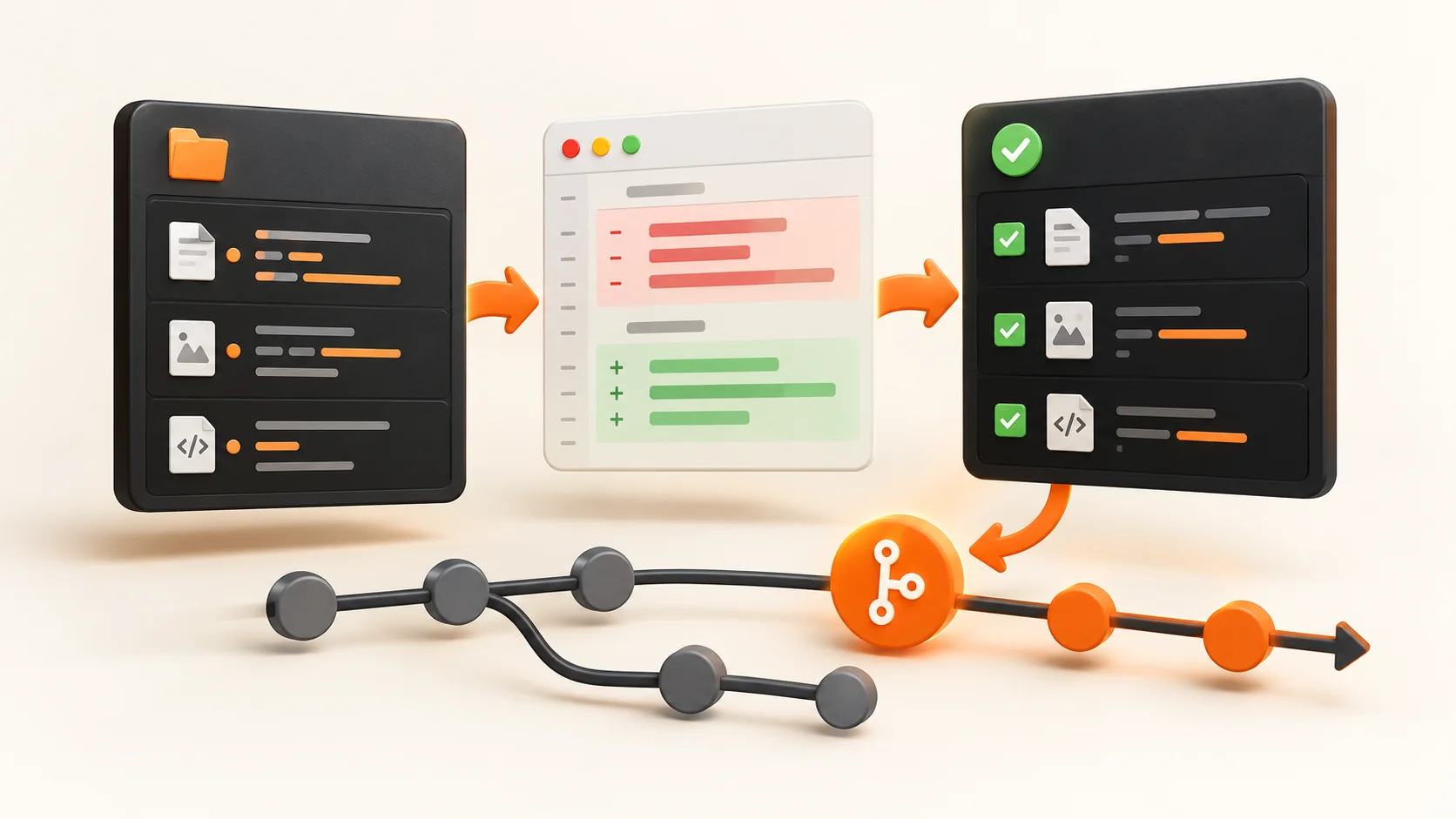
Git Status, Diff, and Staging: A Reviewable Commit Workflow
See exactly which changes will enter a commit before saving project history.
Read More →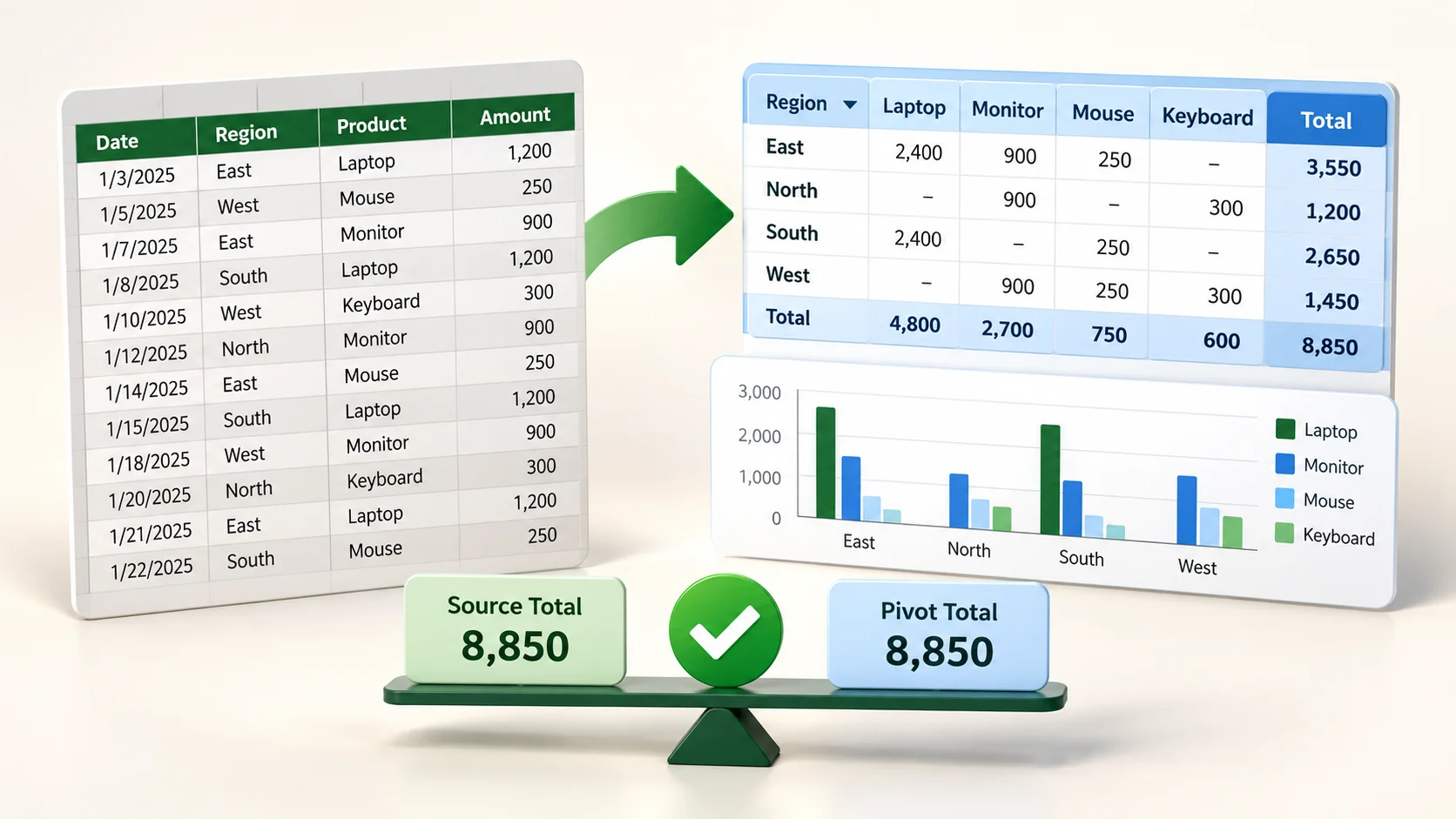
Build a PivotTable You Can Reconcile to the Source
Summarize a small dataset and check the aggregation before turning it into a chart.
Read More →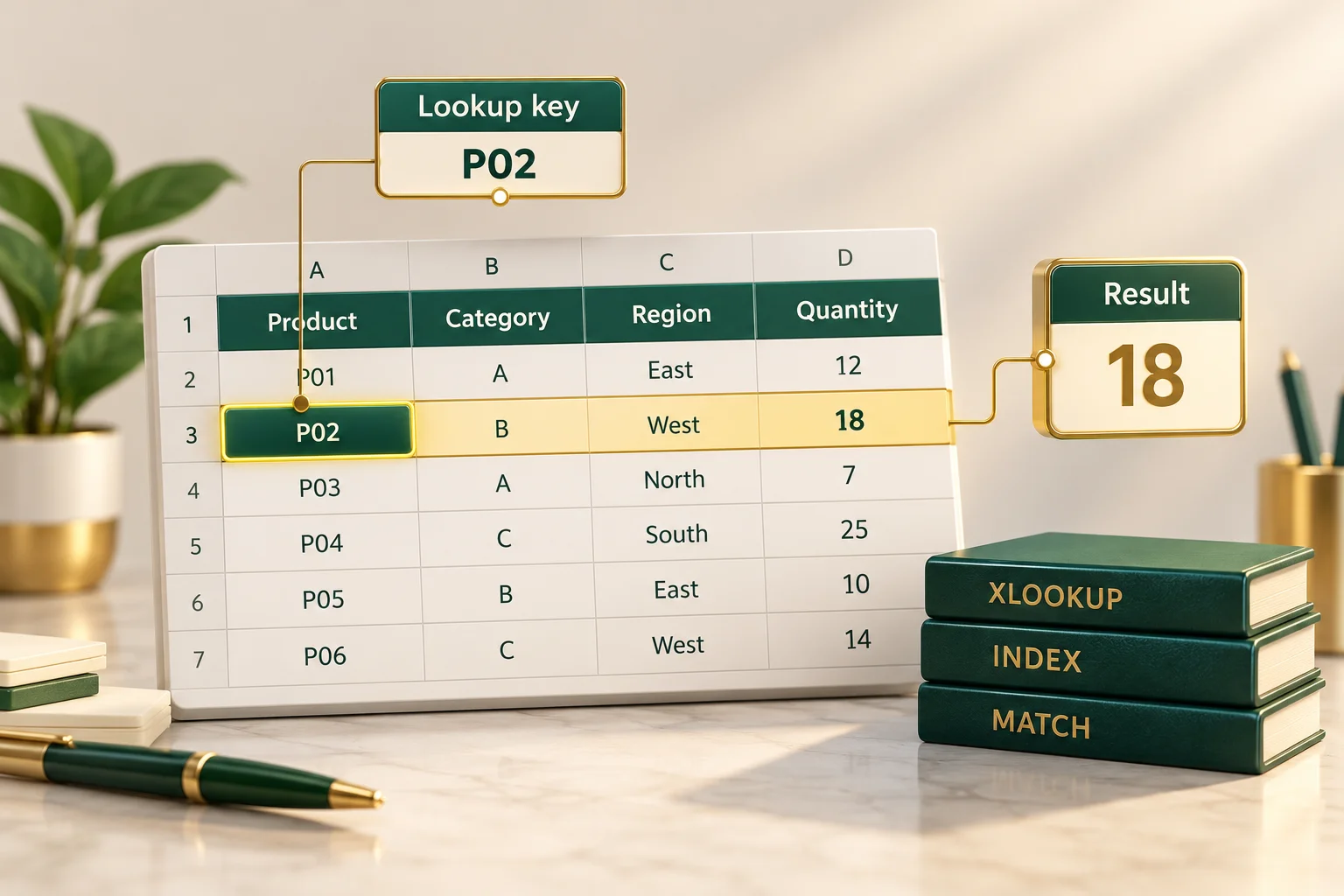
XLOOKUP and INDEX/MATCH: Check a Lookup with Known Data
Compare formulas on a small exact-match example before using them in a large workbook.
Read More →
Move Between Finder and Terminal Without Losing Your Place
Understand the current folder before running a command or opening a file.
Read More →
Mac Screenshots for Documentation: Framing, Destination, and Review
Create an image that communicates a specific task and can be found again later.
Read More →
Snipping Tool: Capture, Extract Text, and Verify the Result
Treat screenshots, text extraction, and screen recording as separate operations.
Read More →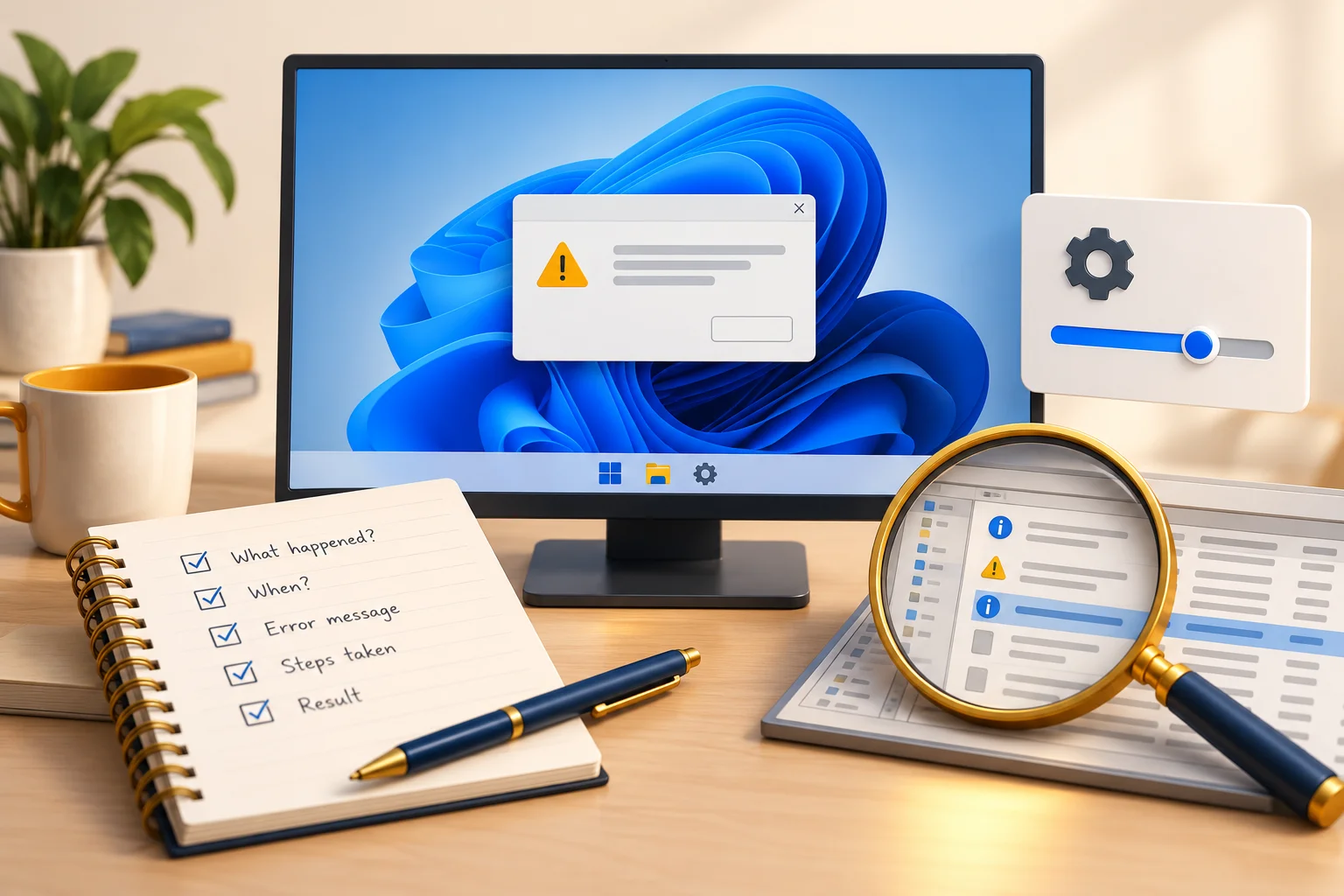
Windows Troubleshooting: Record the Problem Before Changing Settings
Use a small diagnostic record instead of applying unrelated registry and administrator commands.
Read More →
Google Learning Resources: Course, Certificate, or Certification?
Check prerequisites, assessment, access, and total cost before choosing a learning path.
Read More →
Write a Research Brief and Audit an AI Report
Define a research question, inspect citations, and distinguish a report from verified evidence.
Read More →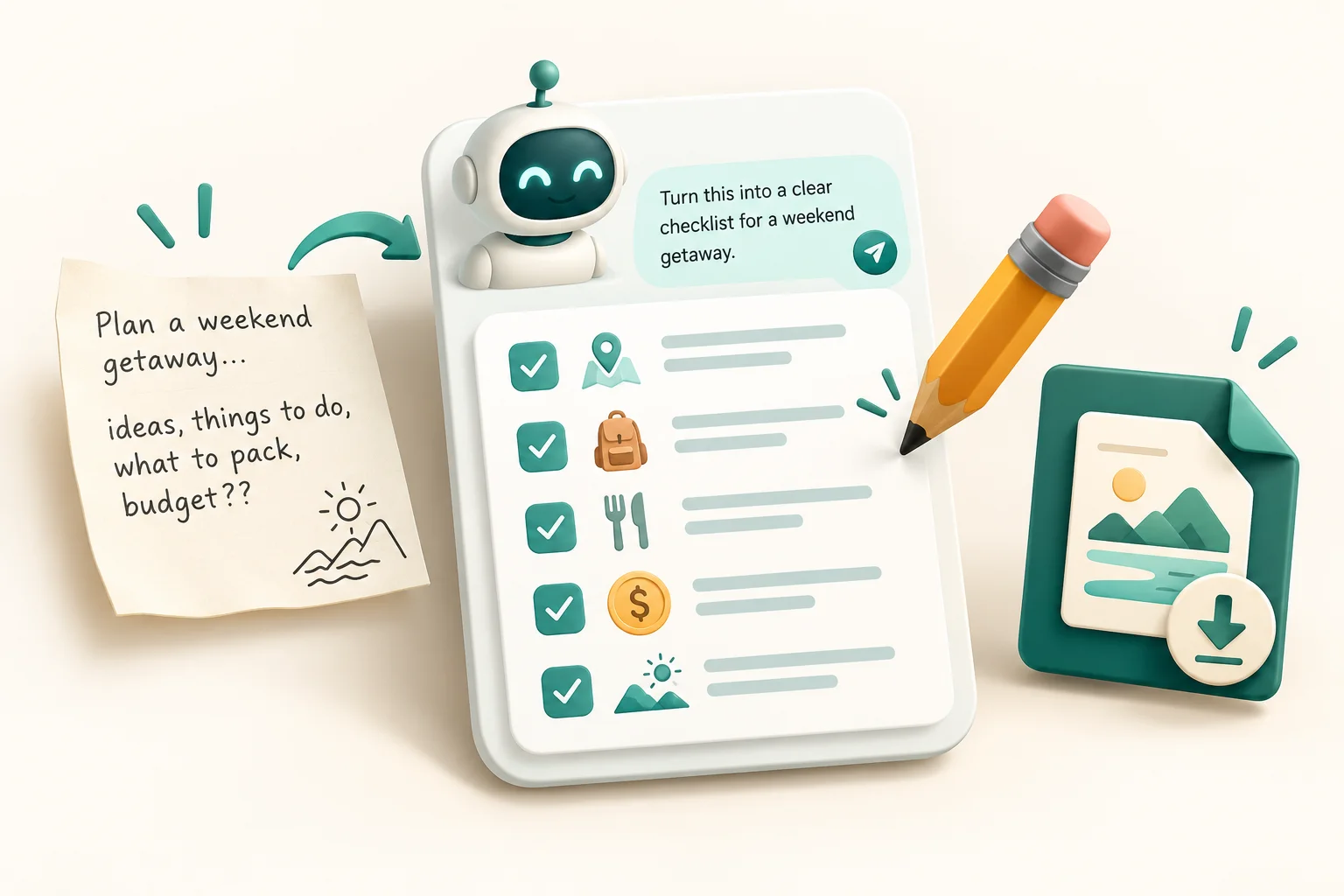
ChatGPT for a First Useful Task: Prompt, Review, and Save
Complete a small sample task and learn how to evaluate the answer before using it.
Read More →
Compare AI Tools Using Your Own Work Sample
Evaluate research, coding, and writing workflows without relying on unverified rankings or fixed pricing claims.
Read More →
WhatsApp Desktop: Find Messages, Check Shortcuts, and Share Carefully
Use the shortcut reference for your exact WhatsApp interface and verify recipients before sending.
Read More →
Gemini Connected Apps: Check Access and Verify the Result
Distinguish connected-app selections, browser integration commands, and prompt-writing techniques.
Read More →
Evaluate an AI Capability with a Small, Repeatable Test
A practical evaluation method for claims about document understanding, code generation, and automation.
Read More →
Build an AI Workflow with Review Points
Break a repeated task into inputs, proposed changes, and checks you can perform yourself.
Read More →
iPhone Input Methods: Buttons, Gestures, and Configured Actions
Choose a supported input method and check what it actually does on your phone.
Read More →