Table of Contents
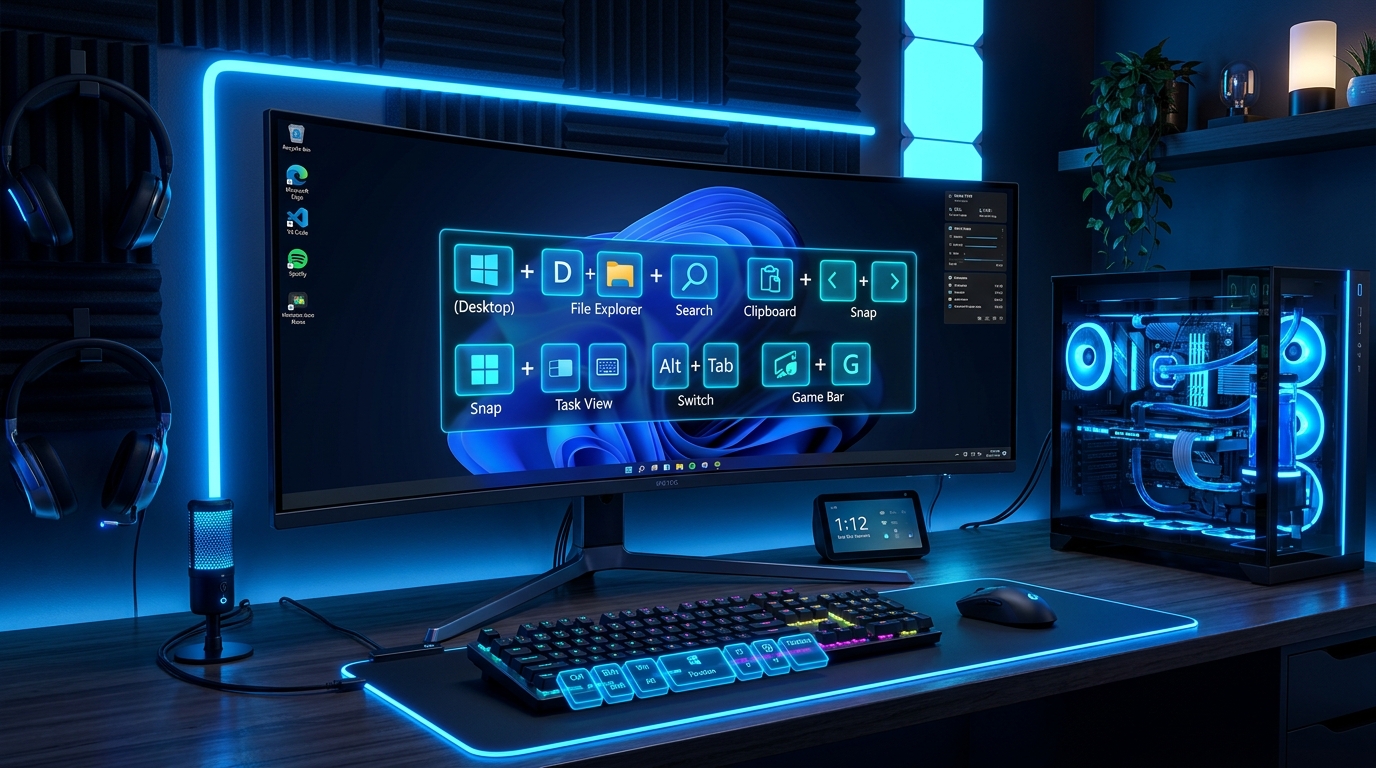
Transform your Windows 11 desktop experience with 2026's most powerful keyboard shortcuts, Snap Layout grid controls, Copilot AI integrations, Snipping Tool OCR capture hacks, and Virtual Desktop navigation tricks.
Tested on Windows 11 24H2
All shortcuts in this guide have been manually verified on Windows 11 Version 24H2 builds. Mastering these hotkeys allows power users and professionals to navigate multi-monitor setups 4x faster without relying on mouse movement.
1. Essential Daily Windows 11 Navigation Hotkeys
These core shortcut combinations form the foundation of mouse-free desktop navigation in Microsoft Windows 11.
| Shortcut Combination | Function & Action | Power User Tip |
|---|---|---|
| Win + Snap Layout (Z) | Open Snap Layouts menu on focused window | Press number keys immediately after to snap windows without touching trackpad. |
| Win + C or Copilot Key | Summon Microsoft Copilot AI Side Panel | Ask Copilot to change system dark mode, organize open windows, or summarize clipboard. |
| Win + Shift + S | Launch Snipping Tool Screen Capture / Text OCR | Extract editable text directly from images on screen using built-in Optical Character Recognition. |
| Win + V | Open Clipboard History Stack & Symbols | Store up to 25 items including images, text snippets, and emojis across sessions. |
| Win + Ctrl + D | Create New Virtual Desktop | Isolate work projects from personal browsing tabs instantly. |
| Win + Ctrl + Left / Right | Switch Between Virtual Desktops | Glide smoothly between work spaces without minimizing applications. |
| Win + E | Open File Explorer (Tabs view) | Use Ctrl + T inside File Explorer to create multi-tab directory windows. |
| Win + H | Launch Voice Typing & Dictation | Features automatic auto-punctuation powered by cloud speech recognition engines. |
| Win + L | Lock Workstation Instantly | Essential security shortcut when stepping away from office desks. |
| Win + Dot (.) or Semicolon (;) | Open Emoji, GIF & Kaomoji Picker | Quickly insert arrows, bullet points, math symbols, and emojis into emails. |
2. Virtual Desktops & Multi-Tasking Masterclass
Virtual Desktops allow you to organize distinct work environments—such as Coding, Financial Analysis, and Communication—on a single PC monitor.
- Task View Overview: Press Win + Tab to reveal every open app window across all virtual desktops.
- Close Current Virtual Desktop: Press Win + Ctrl + F4 to close the active workspace; open windows automatically shift to adjacent desktop.
- Move Windows Across Displays: Press Win + Shift + Left / Right Arrow to jump active windows between physical monitors.
3. Advanced Snipping Tool & OCR Text Extraction Hacks
Windows 11 24H2 includes a revolutionized Snipping Tool that turns screenshots into live data:
- Press Win + Shift + S and drag a selection rectangle over any document or locked PDF text.
- Click the Text Actions icon () in Snipping Tool toolbar.
- Press Ctrl + A then Ctrl + C to extract text into memory without manual retyping.
4. Power User Command Prompt & Windows Terminal Shortcuts
For system administrators and developers operating Windows Terminal, PowerShell, or WSL (Windows Subsystem for Linux):
- Ctrl + Shift + T: Open a new terminal tab.
- Alt + Shift + D: Split terminal pane horizontally or vertically.
- Ctrl + Shift + W: Close current active terminal pane.
Frequently Asked Questions (FAQ)
Q: How do I turn on Clipboard History in Windows 11?
A: Press Win + V for the first time and click "Turn On". Windows will save your copied text snippets automatically.
Q: What key combination opens Task Manager directly?
A: Press Ctrl + Shift + Esc to bypass the Ctrl+Alt+Del menu and open Task Manager immediately.

Written by Challenge Hub Team
The Challenge Hub Editorial Team consists of senior tech journalists, software engineers, and productivity researchers. We specialize in operating system shortcuts, developer tool optimization, and AI workflow automation.
Discussion & Comments
0 Comments