Table of Contents
- Introduction: The AI Productivity Revolution in 2026
- Part 1: Best AI Tools for Students & Academic Researchers
- Part 2: Best AI Tools for Software Developers & Engineers
- Part 3: Best AI Tools for Freelancers & Solopreneurs
- Part 4: Master Comparison Table (2026 AI Tools)
- Part 5: How to Build Your $0 AI Stack in 2026
- Conclusion: Choose Your Stack and Build Flow
Introduction: The AI Productivity Revolution in 2026
We are no longer living in the era where artificial intelligence is just a curious novelty or a basic conversational chatbot. In 2026, artificial intelligence has matured into an essential cognitive co-pilot across education, software engineering, and the independent creator economy. Whether you are a student preparing for university finals, a software developer shipping complex production codebases, or a freelancer balancing multiple high-paying client contracts, using the right AI stack is the difference between working 14-hour days and achieving 10x output in a fraction of the time.
However, with thousands of specialized generative tools launched over the past two years, tool fatigue is real. The secret is not using every new tool on Product Hunt—it is curating a lean, high-velocity set of battle-tested AI tools tailored precisely to your daily workflow.
Top performers do not rely on a single generic AI chatbot. Instead, they pair specialized tools: Perplexity & NotebookLM for research grounding, Cursor & Claude 3.7 for code architecture, and Notion AI & Canvas for client deliverables. Here is your definitive, curated master guide.
Part 1: Best AI Tools for Students & Academic Researchers
Modern students face unprecedented information volume. These tools help summarize dense research papers, solve complex quantitative problems step-by-step, and transform raw lecture notes into interactive revision guides.
1. Perplexity AI - The Ultimate Academic Research Engine
Forget scrolling through pages of SEO-bloated search results. Perplexity AI acts as an interactive research assistant with inline citation grounding. With its "Academic Focus" mode selected, Perplexity restricts its index exclusively to peer-reviewed journals, arXiv papers, PubMed studies, and JSTOR archives.
- Verified In-Text Citations: Every factual claim includes direct numbered references linking straight to the source DOI or publication.
- Document Collections: Organize your research by course subject (e.g., "Biochemistry Thesis 2026") with customized search lenses.
- Best For: Literature reviews, essay background research, and fact-checking complex topics.
- Pricing: Generous free tier; Pro plan available at $20/month with student discounts.
2. Google NotebookLM - Grounded Study Hub & Audio Overviews
Built by Google Labs, NotebookLM has revolutionized active recall and textbook study. Unlike open chatbots that might hallucinate outside knowledge, NotebookLM is strictly source-grounded—it only answers based on the PDFs, Google Docs, textbook chapters, and YouTube lectures you upload.
- Interactive Audio Deep Dives: Converts your 80-page reading syllabus into an engaging, two-host podcast audio conversation that explains complex theories in conversational analogies.
- Automatic Study Guides: Instantly generates practice quizzes, flashcards, chronological timelines, and glossaries from your syllabus materials.
- Best For: Exam cramming, parsing 300-page academic monographs, and audio-first auditory learners.
- Pricing: 100% Free with your Google account.
3. Claude 3.5 & 3.7 Sonnet - Nuanced Academic Writing & Thesis Critique
While chatbots often sound robotic or repetitive, Anthropic's Claude excels at human-grade prose, tone subtlety, and rigorous logical reasoning. It is the premier assistant for refining thesis arguments, finding logical fallacies, and structuring complex term papers.
- Artifacts Window: Claude displays your essay drafts, outlines, and LaTeX mathematical equations in a dedicated side-by-side workspace.
- 200k Token Context: Upload entire dissertation drafts at once to audit cohesion across chapters.
- Best For: Writing critique, essay outlining, and philosophical logic breakdown.
- Pricing: Free tier with daily limits; Pro at $20/month.
4. Wolfram Alpha + AI - Step-by-Step STEM & Mathematics
Standard language models frequently struggle with high-level mathematics and physics calculations. By combining Wolfram Alpha's symbolic computational engine with modern AI models, students gain verified step-by-step solutions for multivariable calculus, linear algebra, organic chemistry, and differential equations.
Upload your class slide PDFs into NotebookLM to generate the core concept summary, then run complex problem sets through Wolfram Alpha. You eliminate 80% of passive reading and spend all your energy on active recall.
Part 2: Best AI Tools for Software Developers & Engineers
For programmers, AI is not about replacing software engineering—it is about removing boilerplate code, accelerating debugging cycles, and maintaining deep uninterrupted flow state.
5. Cursor IDE - The AI-Native Code Editor of Choice
Cursor (a seamless fork of VS Code) has taken the software engineering world by storm in 2026. Because it natively indexes your entire project repository with semantic vector search, Cursor understands every interface, dependency, and custom utility function in your codebase.
- Composer Multi-File Editing: Press Ctrl + I (Mac: Cmd + I) to instruct Cursor to refactor an API endpoint, create database migrations, and update the frontend UI simultaneously across multiple files.
- Instant Inline Diffing: Highlight buggy code, press Ctrl + K, and prompt: "Refactor to async/await with error boundaries". Review green/red diffs and accept with Ctrl + Enter.
- Best For: Full-stack web developers, mobile engineers, and systems architects.
- Pricing: Free tier (50 slow requests); Pro at $20/month with unlimited Claude 3.5/GPT-4o calls.
6. v0 by Vercel & Lovable - Prompt-to-Production Frontend UI
Designing modern, responsive web interfaces from scratch used to take frontend developers days of CSS wrangling. v0.dev and Lovable allow developers to describe an application UI in plain English and receive production-grade React, Tailwind CSS, and shadcn/ui components in seconds.
- One-Click Code Copy: Generate interactive dashboards, login modals, pricing cards, and complex data tables that paste directly into Next.js or Vite projects.
- Visual Iteration: Click any button or element on the live preview screen and prompt: "Make this button rounded with an emerald gradient hover effect."
- Best For: Rapid prototyping, MVP development, and frontend scaffolding.
- Pricing: Free tier with daily generation credits; Team plans available.
7. Warp Terminal - The AI-Powered Command Line
The terminal has remained largely unchanged for decades—until Warp reimagined it in Rust. Warp turns terminal commands into editable blocks and embeds AI directly into your command prompt.
- Natural Language to Bash: Type
# find all files larger than 100MB modified in the last 7 daysand Warp instantly translates it into the precisefindcommand. - Terminal Error Debugger: When a build command or Docker container crashes, click "Debug with AI" to analyze the stack trace and recommend the exact fix.
- Best For: DevOps engineers, backend developers, and terminal power users.
- Pricing: 100% Free for individual developers.
8. GitHub Copilot & Copilot Workspace - Enterprise Code Completion
Backed by Microsoft and OpenAI, GitHub Copilot remains the corporate gold standard for real-time tab autocomplete across VS Code, JetBrains IDEs, and Visual Studio. Its 2026 Workspace upgrade allows developers to plan and execute entire GitHub Issue tickets with AI-orchestrated pull requests.
Press Ctrl + L to open the chat sidebar, type @Files to mention relevant modules, and ask: "Where is our JWT session token refreshed?" Cursor pinpoints the exact line number across 500 files in under 2 seconds.
Part 3: Best AI Tools for Freelancers & Solopreneurs
Freelancers and independent consultants wear every hat: sales representative, project manager, copywriter, and client support. These AI tools eliminate operational overhead so you can focus on high-ticket billable hours.
9. ChatGPT 4o & Canvas - Client Proposals, Contracts & Content Strategy
With its interactive Canvas interface, ChatGPT 4o is an indispensable workhorse for client-facing deliverables. It acts as an interactive text and code editor where you can collaborate side-by-side.
- Winning Proposals: Draft customized, persuasive project proposals based on client RFP briefs.
- Scope of Work & Agreements: Generate clear freelance service contracts, payment milestone schedules, and non-disclosure agreements.
- Targeted Revisions: Highlight specific paragraphs and adjust the tone (e.g., "More concise and authoritative") without rewriting the entire document.
- Pricing: Free tier available; Plus plan at $20/month.
10. Notion AI - The Freelance Business Operating System
If you manage your freelance projects, client CRM, invoice tracking, and content schedules in Notion, Notion AI transforms your workspace into an intelligent assistant.
- Q&A Across Workspace: Ask "What was the agreed deadline for Client X's brand identity overhaul?" and Notion AI pulls the exact date from your project notes.
- Automatic Meeting Minutes: Paste raw call notes or transcripts and Notion AI automatically extracts action items, deliverables, and assignee tags.
- Best For: Solopreneurs, digital agencies, and project managers.
- Pricing: $8 to $10/month add-on to Notion.
11. Midjourney v7 & FLUX.1 - Elite Visual Asset Creation
High-end visual branding and website hero graphics no longer require expensive stock photo subscriptions. Midjourney v7 and open-weight models like FLUX.1 generate photorealistic imagery, sleek 3D illustrations, UI icons, and brand graphics that elevate client pitch decks and landing pages.
- Cohesive Brand Aesthetics: Utilize style reference parameters (
--sref) to ensure consistent color palettes across an entire brand asset library. - Web Design Mockups: Produce realistic web mockups to inspire client designs before diving into Figma.
- Best For: Graphic designers, web creators, and digital marketers.
- Pricing: Midjourney plans start at $10/month.
12. Descript & ElevenLabs - Studio-Grade Audio & Video Editing
For freelance content creators, educators, and video editors, Descript and ElevenLabs eliminate days of tedious audio/video post-production.
- Edit Video Like a Word Document: Descript transcribes your video. Delete words in the text script and the video footage cuts automatically.
- Studio Sound & Filler Word Removal: Remove "ums", "ahs", and background room echo with a single click.
- ElevenLabs Voice Cloning: Generate natural, emotionally resonant voiceovers in over 30 languages from simple text scripts.
- Best For: YouTubers, course creators, commercial video producers, and podcasters.
Part 4: Master Comparison Table (2026 AI Tools)
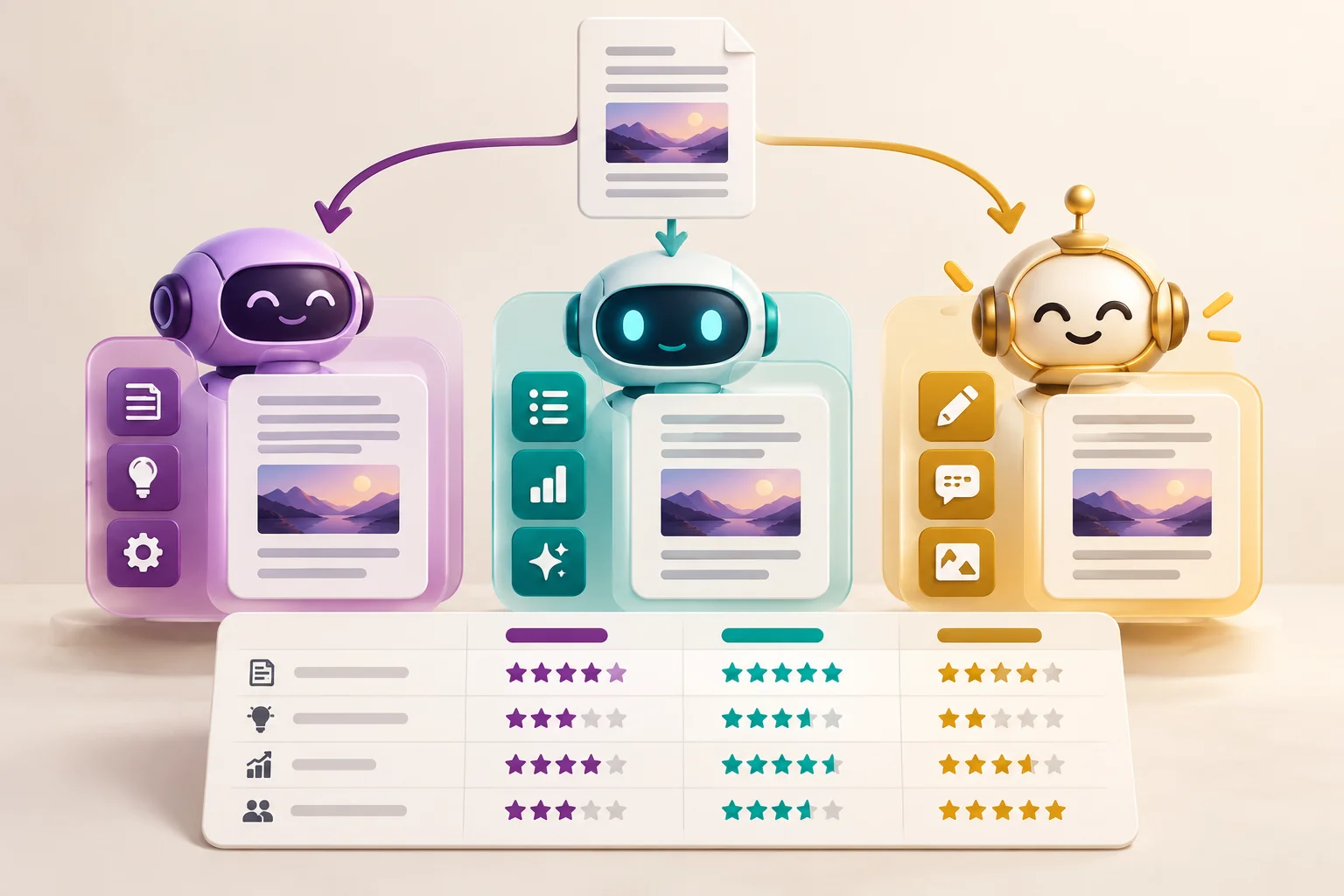
| Tool | Primary Target | Core Superpower | Free Tier? | Pro Price |
|---|---|---|---|---|
| Perplexity AI | Students & Researchers | Peer-reviewed academic citations & live web search | Yes (Unlimited Basic) | $20 / month |
| Google NotebookLM | Students & Learners | Grounded textbook queries & AI podcast generation | 100% Free | Free |
| Cursor IDE | Developers & Engineers | Whole-repo indexing & multi-file AI Composer | Yes (50 Pro queries) | $20 / month |
| v0 by Vercel | Frontend Devs & Designers | Text prompt to production React/Tailwind code | Yes (Daily credits) | $20 / month |
| Warp Terminal | Developers & DevOps | AI command translation & instant error debugging | 100% Free for individuals | Free / $15 team |
| ChatGPT 4o Canvas | Freelancers & Creators | Interactive proposal editing & client copy drafting | Yes | $20 / month |
| Notion AI | Freelancers & Agencies | Workspace-wide Q&A, CRM & automated meeting action items | Trial only | $8 - $10 / month |
| Descript | Video Creators & Freelancers | Edit video via text transcript & remove filler words | Yes (1 hr/month) | $12 / month |
Part 5: How to Build Your Part 5: How to Build Your $0 AI Stack in 2026
AI Stack in 2026
You do not need to spend hundreds of dollars on monthly subscriptions to reap massive productivity dividends. Here is the recommended high-impact, zero-cost AI stack:
- Research & Study: Combine Google NotebookLM (100% free) for textbook digestion with Perplexity AI (free tier) for internet citation research.
- Software Coding: Download Warp Terminal (100% free) for intelligent command execution and use Cursor IDE's generous free tier paired with local open-source models (via Ollama) like Llama 3.3 and DeepSeek R1.
- Writing & Freelance Operations: Leverage ChatGPT 4o Free for drafting contracts and proposals, alongside free Notion personal accounts.
Conclusion: Choose Your Stack and Build Flow
Artificial intelligence in 2026 is not about replacing human creativity or analytical rigor—it is about removing friction, automating repetitive drudgery, and amplifying your specialized skills. Whether you are aiming for top grades in university, shipping your next SaaS application, or closing six-figure freelance retainers, the tools highlighted in this guide give you an unfair advantage.
Start by picking just one or two tools from your relevant category this week. Integrate them into your daily workflow, commit their core keyboard shortcuts to memory, and watch your productivity surge.
Frequently Asked Questions (FAQs)
Google NotebookLM and Perplexity AI are the top tools for students in 2026. NotebookLM allows you to upload lecture slides and textbooks to generate grounded notes and interactive audio podcasts without hallucinations, while Perplexity provides verified academic citations with live web search.
Cursor is an AI-native fork of VS Code that indexes your entire repository using semantic embeddings. Its Composer feature allows multi-file codebase generation and refactoring across dependencies, whereas standard extensions only offer single-file autocomplete.
Freelancers benefit most from ChatGPT 4o Canvas (for drafting compelling proposals, contracts, and pitch decks), Notion AI (for centralized client CRM and automated meeting minutes), and Midjourney / FLUX.1 (for high-converting visual assets and mockups).
Yes. NotebookLM and Warp Terminal are 100% free. Perplexity AI, ChatGPT, v0, and Cursor IDE all offer generous free tiers that provide more than enough daily capacity for students and solo freelancers without entering a credit card.
No. AI will not replace developers or freelancers, but professionals who master AI tools will rapidly replace those who do not. AI handles boilerplate code, repetitive drafting, and administrative overhead, allowing humans to focus on creative problem solving and architectural judgment.
Written by Challenge Hub Team
The Challenge Hub Editorial Team consists of senior tech journalists, software engineers, and productivity researchers. We specialize in operating system shortcuts, developer tool optimization, and AI workflow automation.
Discussion & Comments
2 Comments