Table of Contents
Worked example and checks
Complete a small sample task and learn how to evaluate the answer before using it.
Begin with an outcome
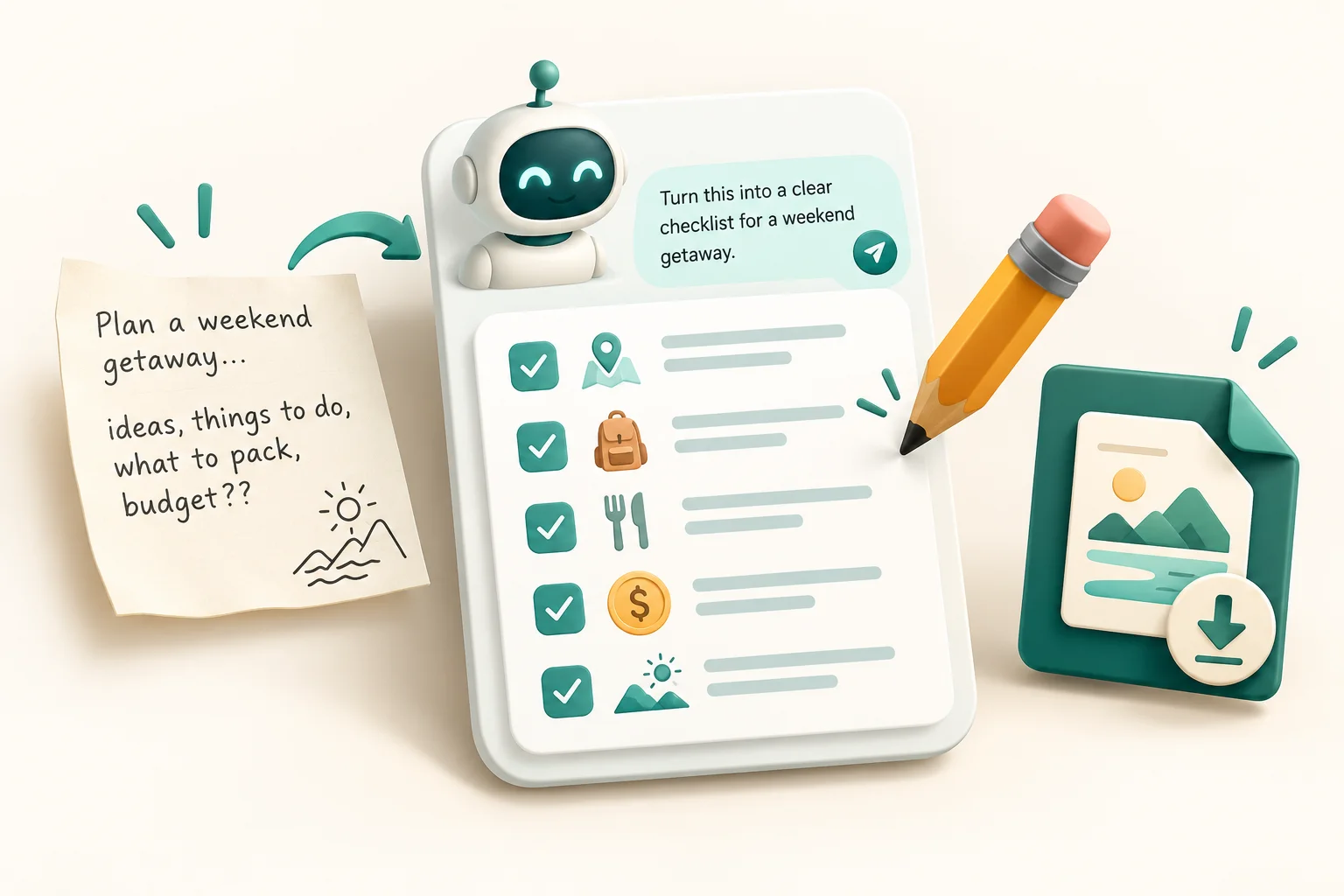
Choose a bounded task such as turning a fictional note into a checklist. State the output you need, provide the source text, and identify facts that must remain unchanged. Avoid asking for a broad expert role when a concrete instruction is enough.
Use a checkable sample
Try this: 'Make a checklist from this note. Keep owners and dates unchanged. Mark missing owners unspecified. Note: Rina drafts the agenda on Friday; the team still needs a reviewer.' The expected result has one named owner and one unresolved owner. You can evaluate it without trusting the assistant's explanation.
Inspect before iterating
Compare every item with the note. If the result invents a person, correct that item and make the constraint clearer. Ask for a concise explanation of an assumption when needed. Repeating an incorrect claim in a more confident tone does not make it correct.
Choose features deliberately
The features and controls visible to you depend on your account, platform, permissions, and current product. Inspect settings for available tools and keyboard commands. Do not rely on an old model name, subscriber count, or plan table to decide what your account can do.
Save a useful result
Copy the reviewed output into your working document with the source or task context. For calculations, use an independent calculation; for code, inspect and test the change; for research, open original sources. Keep credentials and confidential material out of sample prompts. A readable answer still needs a check appropriate to its use.
Reference and corrections
Official documentation for this topic. Check the version and platform covered by the source. Guidance revised 22 October 2026.
Report an incorrect instruction through our contact page. Include the app, operating system, command, and observed result.

Written by Challenge Hub Team
Challenge Hub publishes practical software references under a shared editorial name. This byline does not claim a professional credential or independent product endorsement. Report corrections with the page URL, software version, and observed behavior.



Discussion & Comments
0 Comments